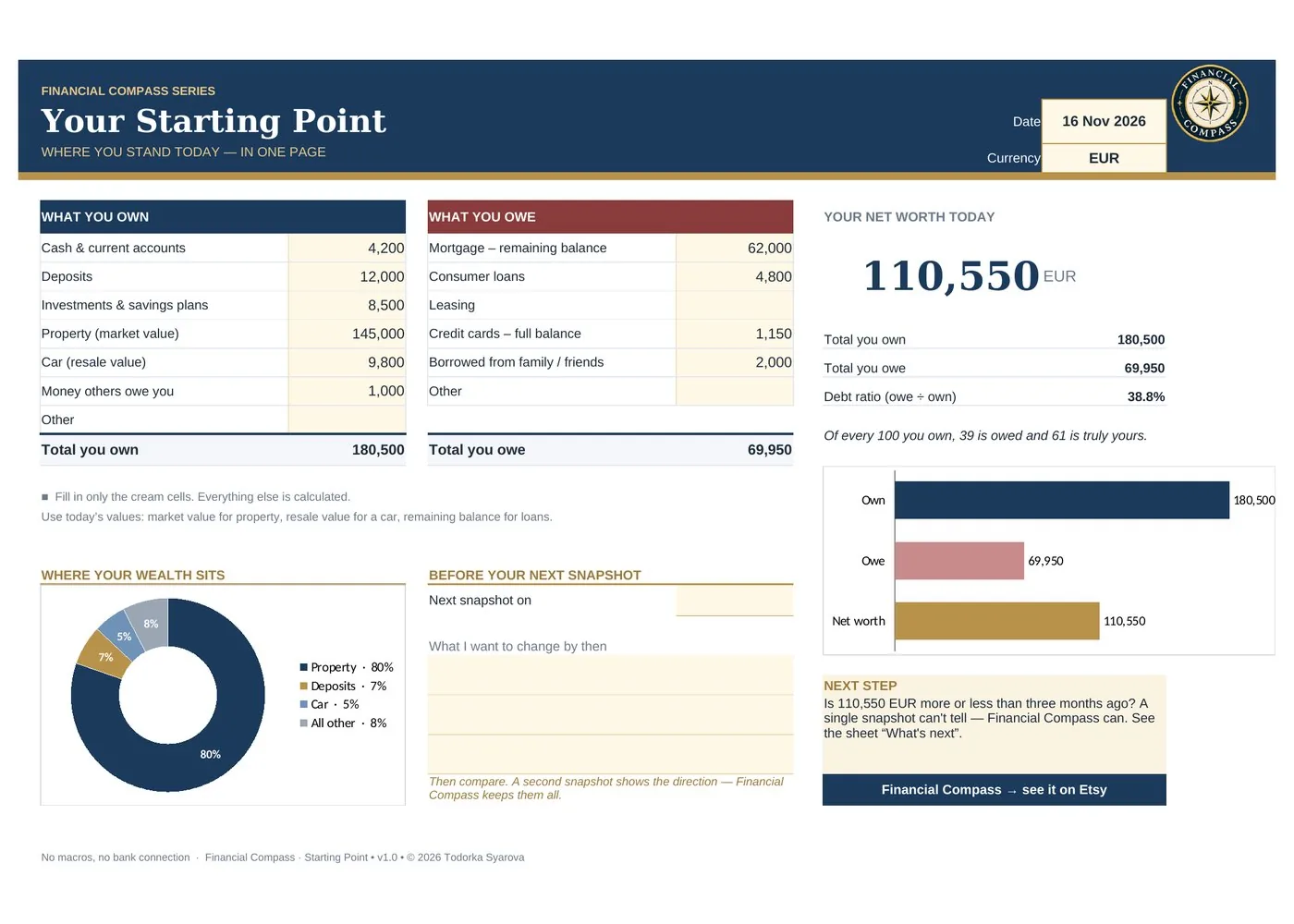
Everything you own and owe on one page. Excel calculates your net worth, your debt ratio and where your wealth sits — in a few minutes.
Secure checkout by Polar · card, Apple Pay, Google Pay · no account needed
Final price incl. taxes for the EU · for the US and Canada, sales tax is added at checkout
Prefer Etsy? This tool is also available on Etsy (English files).
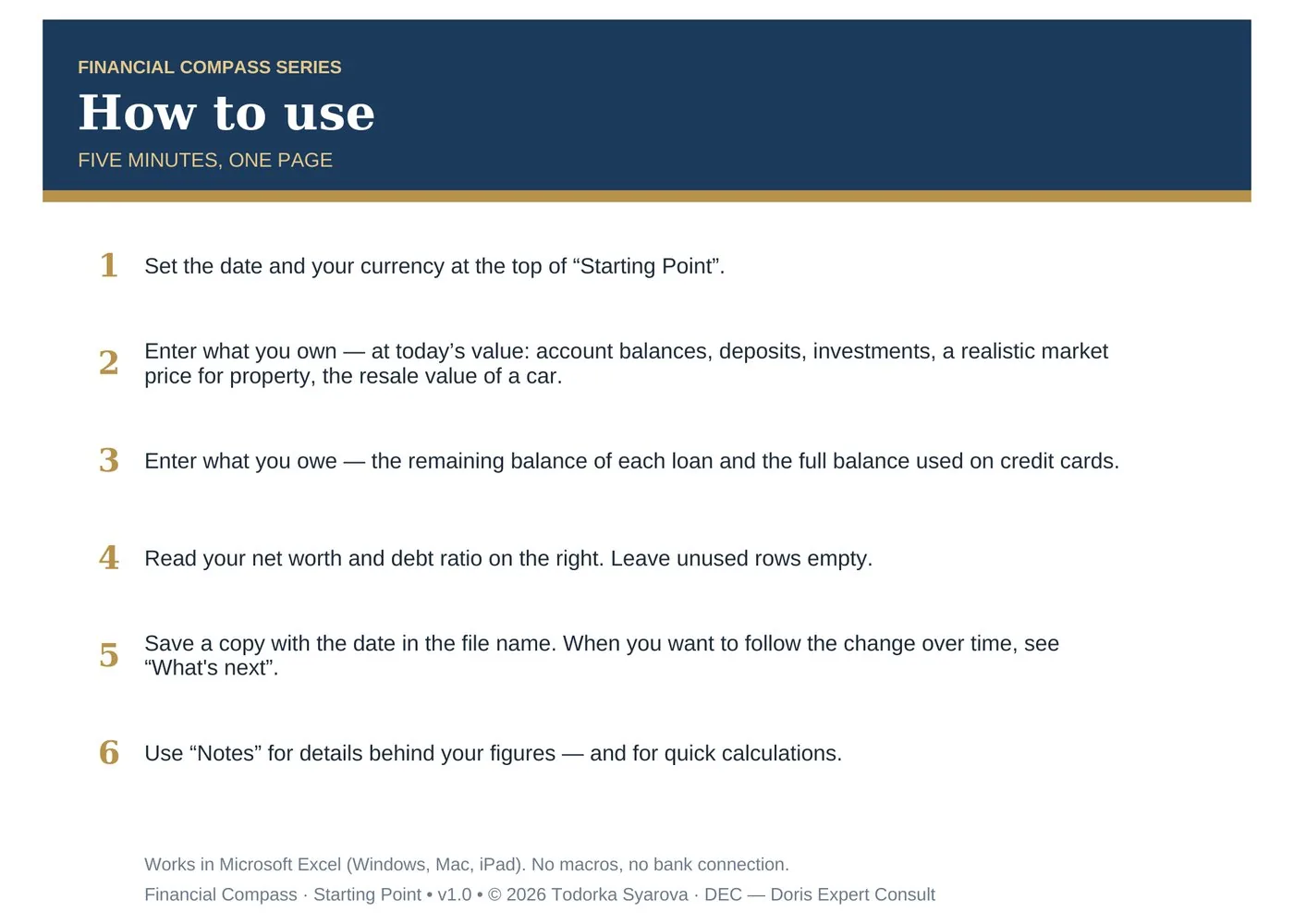
Set the date and currency, enter what you own and what you owe. The rest is calculated for you.
What you own minus what you owe — calculated as you type.
How much of what you own is financed by debt, as a percentage.
A chart of cash, deposits, investments, property and other assets.
A place to write what to change before you look again.
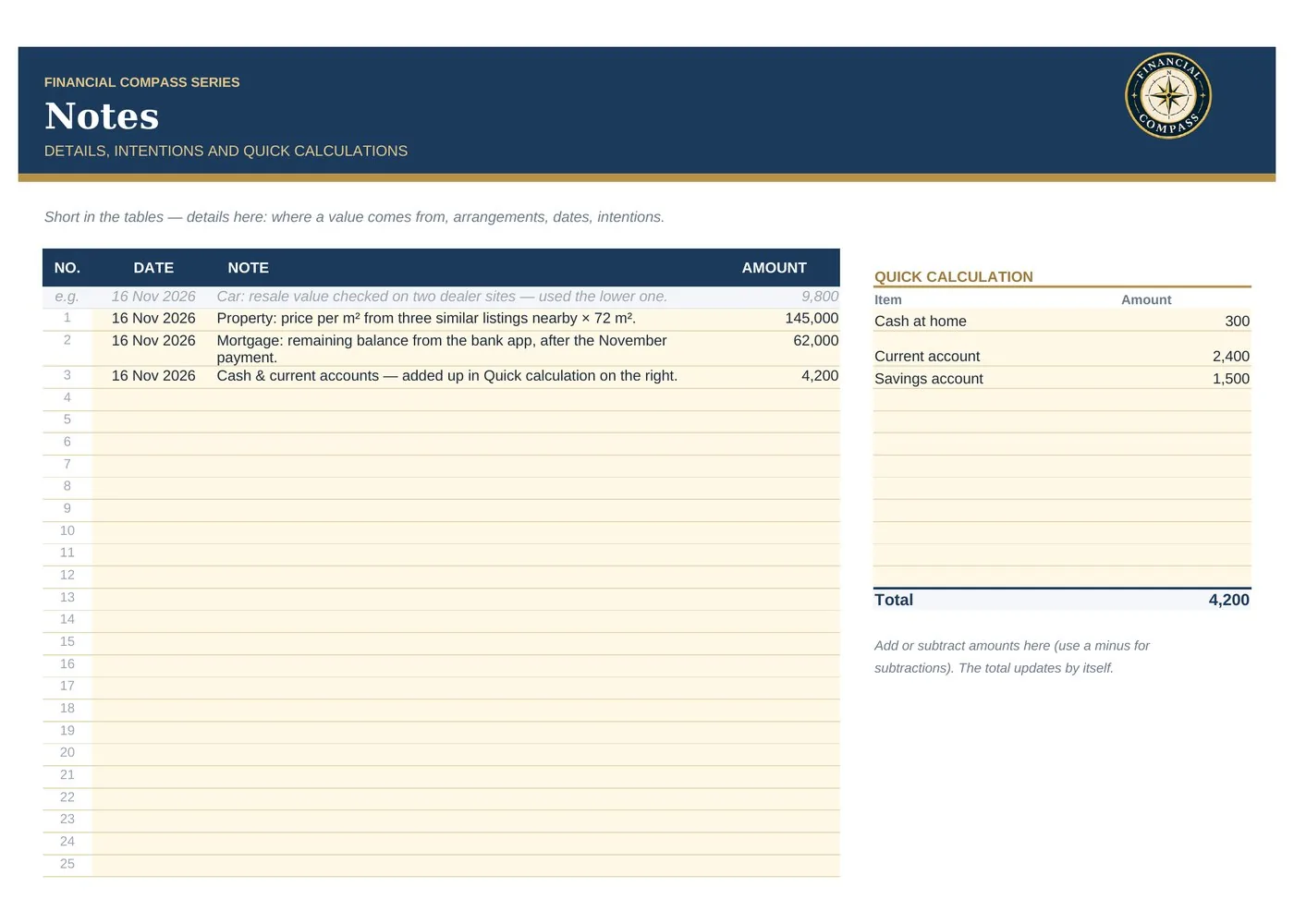
Details behind your figures, and a small calculator for cash and accounts.
The same file completed with sample figures, so you see the result first.
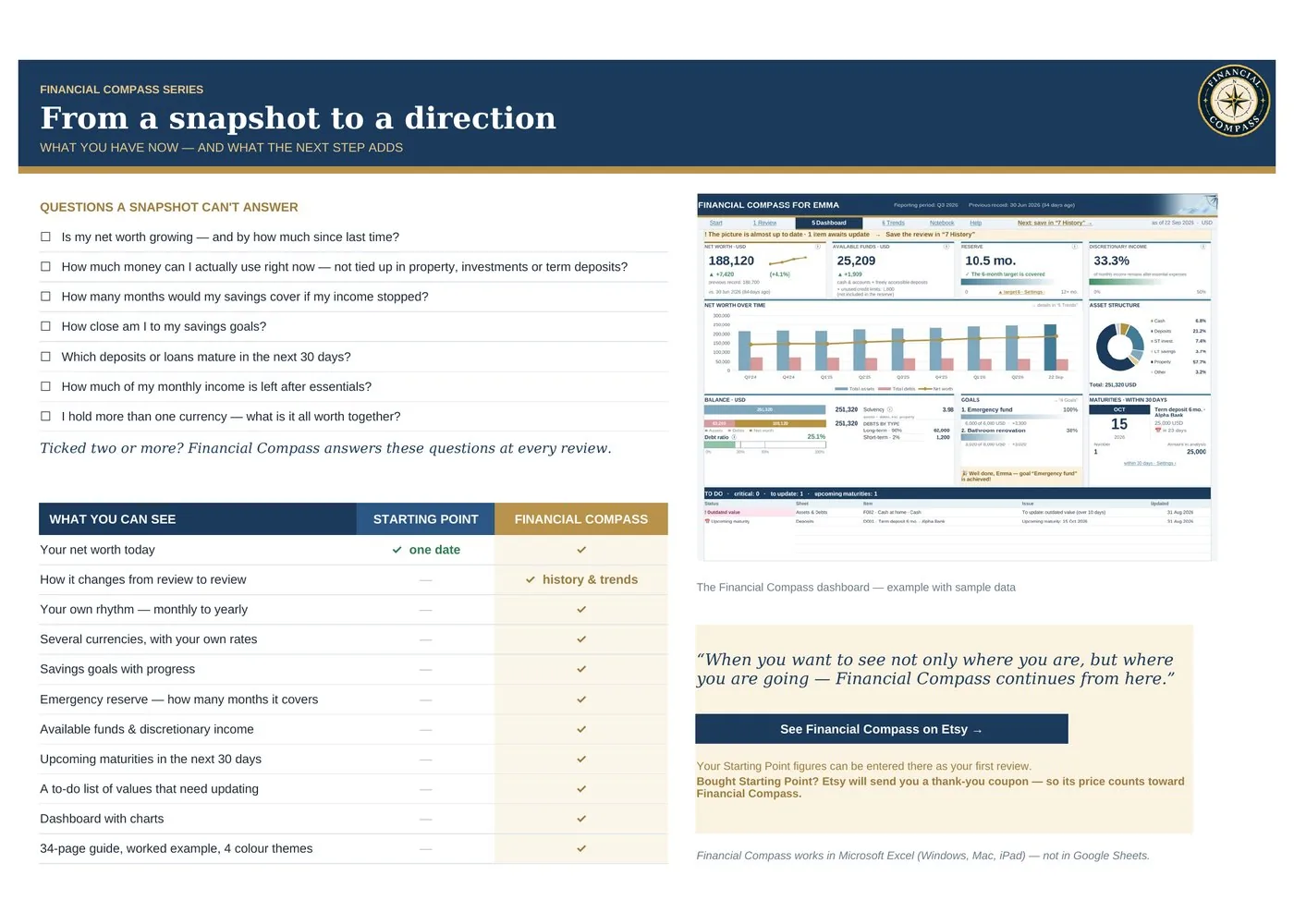
They are on the second sheet of the file, so you know what comes next if you want it.
A snapshot shows where you are today. Financial Compass keeps every review and answers these questions over time. Your Starting Point figures can become your first review there.
See Financial CompassMicrosoft Excel for Windows, Mac or iPad. The file is not designed for Google Sheets.
No. There are no macros and no bank connection — your figures stay in your file.
You choose the currency at the top of the sheet; all totals are shown in it.
Save a copy with the date in the file name. For automatic history, see Financial Compass.
Every purchase includes both the English and the Bulgarian version.
Right after payment you get a download page and an email with your link.